
A small sticker in your toolbar.
Click the icon, turn reminders on, choose how often. That is the whole interface. Quiet hours, the notification layout and the bell live one tap deeper, and nothing is counted, scored or streaked. Free, with no account, and nothing leaves your browser.
Not in the stores yet.
Works in Chrome, Edge, Brave, Opera, Arc, Vivaldi and Firefox. Open this page in one of them and the steps appear here.

Watch your breath. Just a moment.
Reminders
Sound
What you will see.
Three screens, start to finish. That is the whole of it.
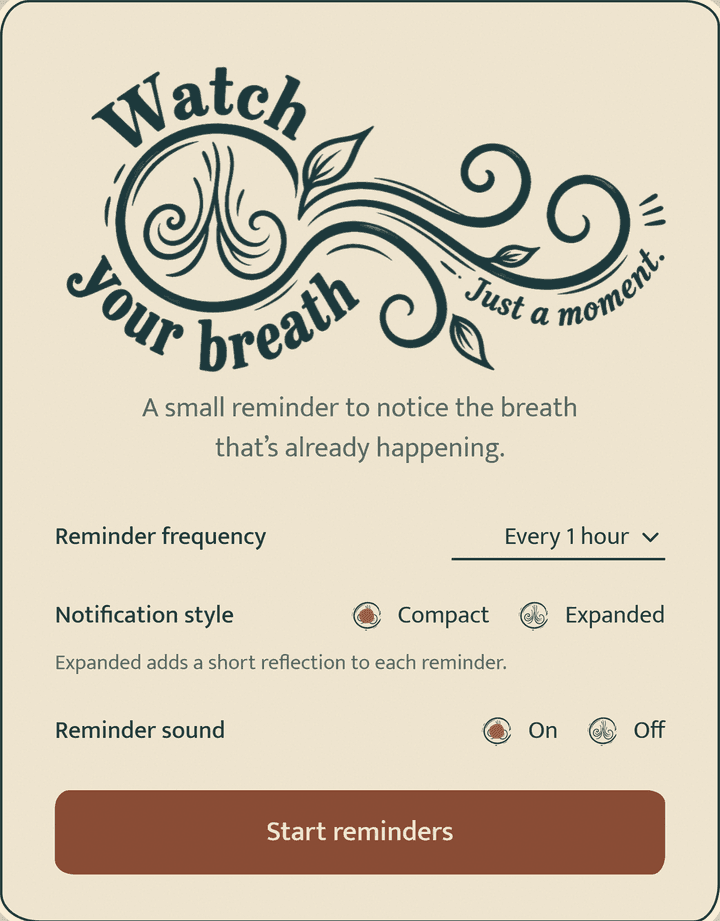 Set it onceOne screen when you install it: how often, how much the reminder says, and whether the bell plays.
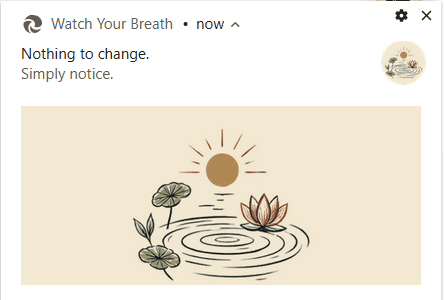 A reminder arrivesAt the corner of your screen, over whatever you are doing. It leaves on its own after twelve seconds.On a Mac, Chrome shows the drawing small beside the words. Chrome’s own limit, not a setting.
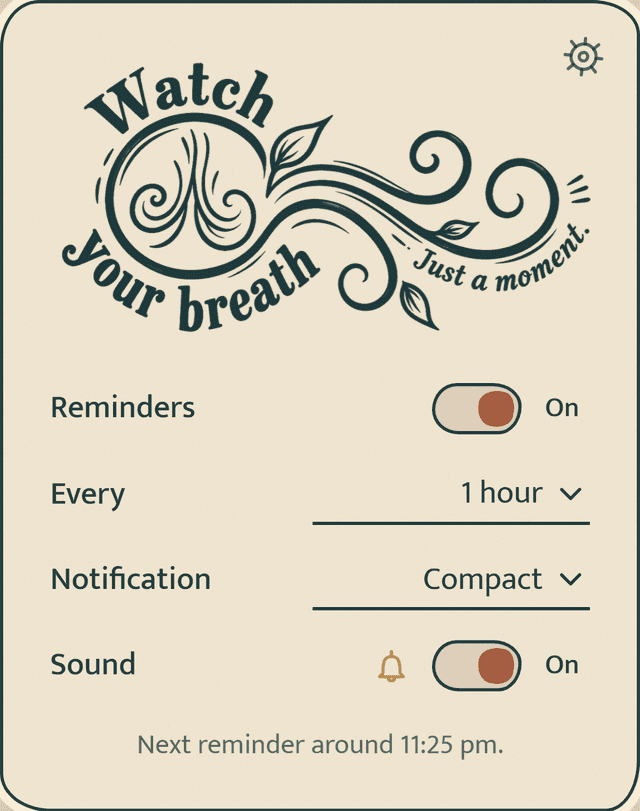 Change it wheneverClick the sticker in your toolbar. Quiet hours, the bell and the rest live one tap deeper.
What this is, and is not
Nothing to fix.
Nothing to achieve.
Simply notice.
This isn’t a practice. There’s no technique, no timer, no score. The breath is already here. The reminder only points at it, then gets out of the way.
Watch your breath.
Just a moment.